 Agencies
 E-com brands
 Coaches and creators
 Scrape
 Brands
 Radar
Radar Hooks
Hooks Scripts
 History
YouTube comment scraper for ad angles
Paste any public video or Short below to read up to 100 comments free, with search and CSV export. Adlicio then ranks the recurring questions and reactions into ad angles, each with a hook line and the verbatim quotes behind it.
★ 4.6 on the Chrome Web Store · no card needed
“What is the point of buying this expensive kit if you need "plenty of oil or butter"”
“My pans warped with regular use. HexClad refused to replace them. I swapped them out for Made In. Never happier.”
“I have tried nonstick pans for things like eggs over the years. I hated them all. Purchased Hex-clad frying pans two years ago, I love them.”
Buyers doubt a premium pan is worth it if it still needs oil and can warp
“What is the point of buying this expensive kit…” Answer that first.
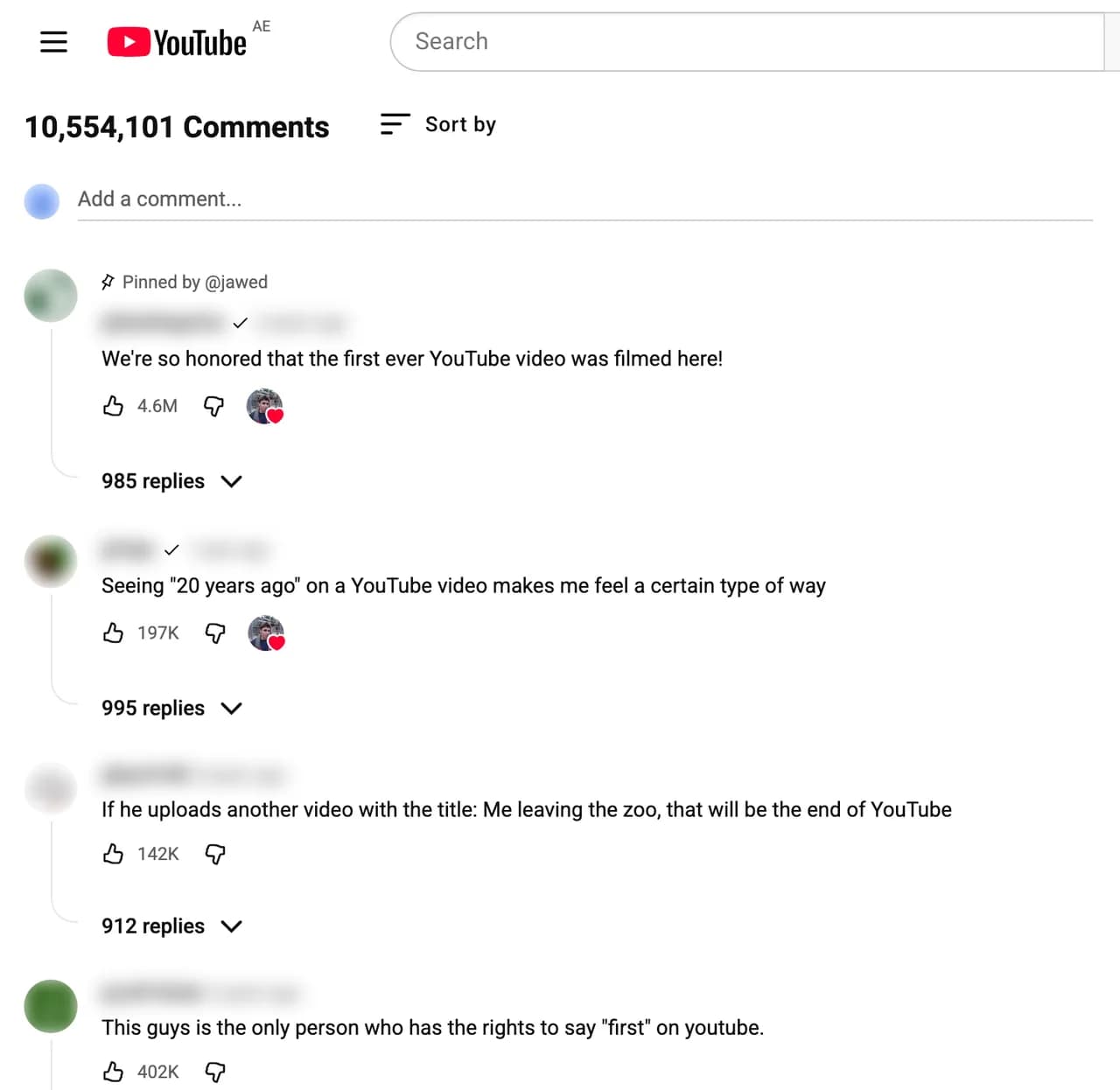
Comments under a product review or how-to are some of the most considered customer voice online, written by people who watched ten minutes and then said what they think. Adlicio reads the comments on any public video and clusters the recurring questions and reactions into ranked angles, the objections to disarm and the use cases to feature.
What can you do with YouTube comments?
Scrape a competitor review's comments for the objections viewers raise after watching.
Mine tutorial comments for the real use cases and frustrations your buyers have.
Capture the high-intent questions people ask, then answer them in your ads.
Build an angle bank from buyers who research before they purchase.
How does the YouTube scraper work?
- 01Paste a YouTube video URL
Any public video, yours or a competitor's. No YouTube API, no code.
- 02Adlicio reads the comments
It clusters the questions, the timestamps people quote, and the objections buried in replies in about 60 seconds.
- 03You get ranked angles
Each with a hook line and the comment quotes behind it, ready for Claude or ChatGPT.
The honest limits: Adlicio only reads what is already public, and it never posts, votes, or messages on your behalf.
“Really user-friendly for pulling comments from a thread, and the files it spits out are perfectly formatted, no messy cleanup needed.”
YouTube scraper FAQ
Can I download YouTube comments as CSV?+
Yes. Use Adlicio as a YouTube comment downloader to capture the public comment thread, then export it as CSV. This lets you download YouTube comments for analysis or keep the rows alongside the ranked angle report.
Free YouTube comment finder →Does this use the YouTube Data API?+
No. Adlicio reads public comments through your own browser session, no API key and no daily quota to run out of.
Full guide: how to scrape YouTube comments →What can it capture?+
Public comments on public videos. You give Adlicio a video URL and it captures the comment thread for analysis.
Which videos are most useful?+
Product reviews, comparisons, unboxings, and tutorials in your category, where high-intent, considered comments cluster.
Can I combine YouTube with other platforms?+
Yes. Pair YouTube with TikTok and Instagram to capture both considered and reactive customer voice in one angle report.
What's the output?+
Ranked angles: the recurring sub-audiences, a hook line for each, and the verbatim quotes behind them.
Guide: YouTube comment analysis for ads →Go deeper on YouTube
More scrapers
See all scrapersCompare toolsSee pricing
Turn YouTube comments into one testable angle.
Start with one public page. Adlicio returns the angle, hook, and proof to try next.
Need every comment as a CSV file? The free extension does that: export YouTube comments.